
How Common Phishing in K-12 Schools Really Is Today
If you are the person everyone looks at when a suspicious email hits the office, phishing in K-12 schools is not just another cybersecurity scare story. It is common enough to treat as a core school…
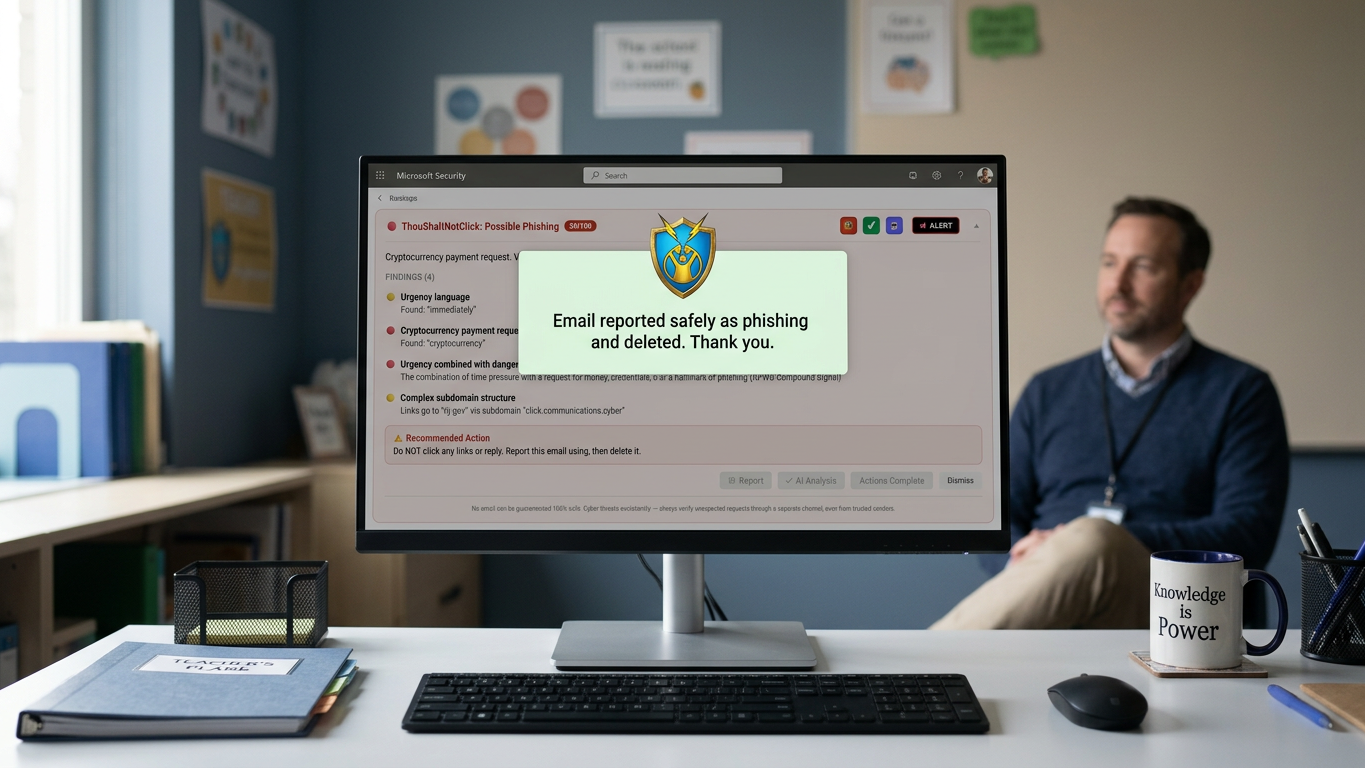
If you are the person everyone looks at when a suspicious email hits the office, phishing in K-12 schools is not just another cybersecurity scare story. It is common enough to treat as a core school risk, because field context shows that 80% of K-12 cyber incidents start with a phishing email.
That does not mean panic is the plan. It means the question changes from, “Is this real?” to:
The three questions that matter now:
Why are school inboxes such easy targets?
What does school-specific phishing look like now?
What separates “we warned people” from “we are getting safer”?
Phishing in K-12 schools is common enough to plan around
You do not need a giant district or a headline-making breach to have a phishing problem. Smaller schools can be attractive because they often have fewer dedicated security resources, while still handling money, staff accounts, family data, and daily communication.
The common part is not just the number of attacks. It is the way email sits in the middle of school life.
Plain answer: Phishing in K-12 schools is common because school staff rely on email for urgent, trusted, routine work, and attackers know one ordinary-looking message can open a very large door.
A school inbox is not like a locked vault with one person holding the key. It is more like the front office counter on a busy morning. People come and go, questions pile up, and most requests are normal.
That is exactly the setting attackers like.
The trick is simple, but the setting makes it dangerous
You already know phishing is fake email, but inside a school it is more specific than that. It is a trick that borrows trust, urgency, or routine so someone will click, reply, download, sign in, or send information.
School definition: Phishing is a message that pretends to be part of normal school work so a staff member will take an action that helps the attacker.
It does not require a foolish mistake.
Smart staff click because the message looks like something they handle all the time. A password notice feels like account maintenance. A portal link feels like family communication. An invoice feels like purchasing.
The fake email works best when it does not feel fake.
That is why “tell people to be careful” only goes so far. Careful people still move fast when the calendar is packed, the phone is ringing, and the message seems to come from someone they trust.
Why school inboxes give attackers so many open doors
Your school probably has the exact mix attackers like: many roles, shared systems, busy seasons, outside vendors, parents, payroll, donations, forms, and deadlines. That does not make schools careless. It makes them busy.
A teacher sees one kind of email. The business office sees another. The front desk sees almost everything. Leadership gets urgent requests. IT gets password issues, device questions, and “is this real?” forwards all day.
The most dangerous phish is rarely the weird one. It is the one that looks like Tuesday morning.
Attackers also benefit from the school calendar. Enrollment season, back-to-school setup, giving campaigns, field trips, testing windows, audits, and insurance renewals all create real urgency. A fake message can hide inside that urgency like a wolf in a school-logo fleece.
Here is the rule of thumb:
If a process is routine, trusted, and time-sensitive, it can be copied by a phisher.
That is why this is not only a technical issue. It is an operations issue. And often, you are the person leadership asks about it before the budget or staffing has caught up.
The email that fools staff usually looks like school business
The message that causes trouble usually imitates something staff already expect to see. It does not arrive wearing a black cape and announcing, “Hello, I am cybercrime.”
A school-shaped phishing email may copy the tone, timing, and task of a normal school workflow:
Normal school routine | Phishing lure that imitates it |
|---|---|
Account maintenance | Fake IT “password expired” notice |
Family communication | Fake parent portal link |
Purchasing | Supply-vendor invoice scam |
Leadership direction | Urgent diocese or district message |
Background checks | Fake background-check request |
Classroom tools | Fake Google Classroom alert |
Helpful favor | Gift-card request from someone trusted |
Picture the office administrator who forwards you a suspicious wire-transfer request and asks, “Is this real before I reply?” That is a good catch. It is also a warning light.
Or picture the teacher who clicks a fake Microsoft 365 password-expired email at 9 a.m., then the principal asks whether anything could have trained the team to spot it first.
That moment feels personal, but the pattern is not rare. The attacker is not betting that your staff are careless. They are betting that normal school work creates enough noise for one bad message to blend in.
The real question is not just who clicked
Once you accept that phishing is common, the better question is not only, “Did someone click?” That matters, but it is only one piece of the map.
What you really need to know is whether your school is getting faster, sharper, and more consistent over time.
Measure more than the mistake:
Clicks: Who took the bait, so training can be targeted without shame.
Reports: Who raised a hand quickly, so the threat can be checked.
Catches: Who recognized the lure before clicking.
Improvement over time: Whether staff are building a stronger reflex.
Reporting proof: Whether leadership, insurance, or auditors can see the work.
When your staff need practice on the emails they actually see, a school-focused program like ThouShaltNotClick’s Phishing Simulation Campaigns can turn the question from “who clicked?” into “are we improving?”
That shift matters for the solo IT director and the district administrator alike. One needs a program that does not create another full-time job. The other needs consistency across buildings, not one campus doing well while another guesses.
The insurance renewal or audit question is part of this too. If the form asks for proof of a security-awareness program, “We sent a reminder in September” may not feel like enough.
A safer school can show its work.
Warnings fade, but practice can change the reflex
You can warn people about phishing. You should. But a warning email is like telling someone to watch for potholes once a year. It helps for a minute, then the road gets busy again.
Readiness comes from repeated practice with feedback. Staff need to see realistic examples, make a choice, and learn immediately what they missed if they clicked.
Proof that helps the IT steward: Schools using simulation training can see up to a 90% reduction in click rates after 12 months, giving the IT director a way to show progress instead of just asking staff to be careful.
That is where simulation adds something a warning cannot. A useful campaign can send realistic fake phishing emails, measure who clicked, who reported, and who caught the message, then trigger training right away for anyone who clicked.
A school-ready approach adds practical pieces:
Realistic templates: Fake password notices, diocesan messages, gift-card scams, parent portal spoofs, classroom alerts, and vendor invoices.
Immediate feedback: A staff member sees what they missed while the lesson is still fresh.
Adaptive difficulty: People who improve get harder tests, not the same softball forever.
Rotating sender domains: Staff cannot simply whitelist one sender and call it security.
Team-level analytics: You can see patterns by group, not just one-off mistakes.
Compliance-ready reports: You have something clearer to bring to boards, audits, and insurance discussions.
None of this needs to shame people. In fact, shame is bad security. If staff feel embarrassed, they hide clicks. If they feel trained, they report faster.
The goal is not to catch people doing wrong. The goal is to help ordinary people build a better “wait a second” reflex.
A serious response should feel calm, measurable, and doable
If phishing is common enough to plan around, the answer is not panic, blame, or buying an enterprise tool that feels like parking a fire truck in a broom closet. A sane response fits the school you actually run.
It should be regular enough to build habit, specific enough to match school life, and simple enough that you are not babysitting it every week.
A practical response has five parts:
School-specific examples that look like the messages staff truly receive.
Quick reporting paths so suspicious messages do not sit in inboxes.
Immediate feedback when someone clicks, without public embarrassment.
Progress tracking so you can see click rates, reports, catches, and trends.
Leadership-ready reports for boards, insurance, audits, or diocesan reviews.
That is the difference between hoping staff remember a warning and helping them practice the skill. “Thou Shalt Not Click” is a good reminder, but the real win is when staff pause, report, and help protect the whole inbox culture.
If you want to move from guessing to measuring, start a free trial at thoushaltnotclick.com/signup, or start free as a teacher at thoushaltnotclick.com/signup/teacher.
Frequently Asked Questions
Are small private or faith-based schools really targets for phishing?
Yes. Smaller schools can be attractive because they often handle sensitive data, payments, payroll, donations, and family communication with fewer dedicated security resources than large districts.
Attackers do not always need a famous target. They need a busy inbox and a message that looks believable.
What is a phishing simulation campaign?
A phishing simulation campaign sends safe, fake phishing emails to staff so they can practice spotting real-world tricks. The campaign measures actions like clicks, reports, and catches, then uses those results to guide training.
The point is habit-building, not blame.
How often should school staff practice spotting phishing emails?
Regular, repeated practice is better than one annual reminder. The exact cadence depends on the school’s size, risk, calendar, and staff workload.
Short, consistent practice tends to work better than a once-a-year lecture everyone forgets by lunch.
What should a school do after a staff member clicks a suspicious link?
Move quickly and calmly. The staff member should report it right away, affected passwords should be changed, account activity should be checked, and the school should follow its incident process.
Do not turn the moment into a public scolding. Fast reporting is what helps limit damage.
Can phishing training help with insurance or audit conversations?
Yes, if the school can show that training is active, measured, and repeated. Reports that show participation, click trends, reporting behavior, and improvement over time can be useful when leadership, insurers, or auditors ask what the school is doing.
A clear record beats a vague “we reminded everyone.”
Should students be included in phishing simulations?
For staff-focused school security, start with the adults who manage accounts, systems, money, and sensitive communication. Student phishing simulations should not be assumed available unless a program clearly supports them and the school has appropriate controls and permissions.
In the current ThouShaltNotClick release, student opt-in for phishing campaigns is off by default and cannot be enabled.
Phishing in school is common enough to deserve action before one ordinary-looking email becomes the incident everyone has to explain. If you are ready to move from wondering to measuring, you can start a free trial at thoushaltnotclick.com/signup, or start free as a teacher at thoushaltnotclick.com/signup/teacher.